
Every sale and every return, in one clear list
Every invoice in Alkaml keeps a snapshot of the moment it was issued: the company details, the customer, the prices, the tax, and who made the sale. Changing an item's price tomorrow never rewrites yesterday's invoice, which is exactly what you want when an accountant or an auditor asks.
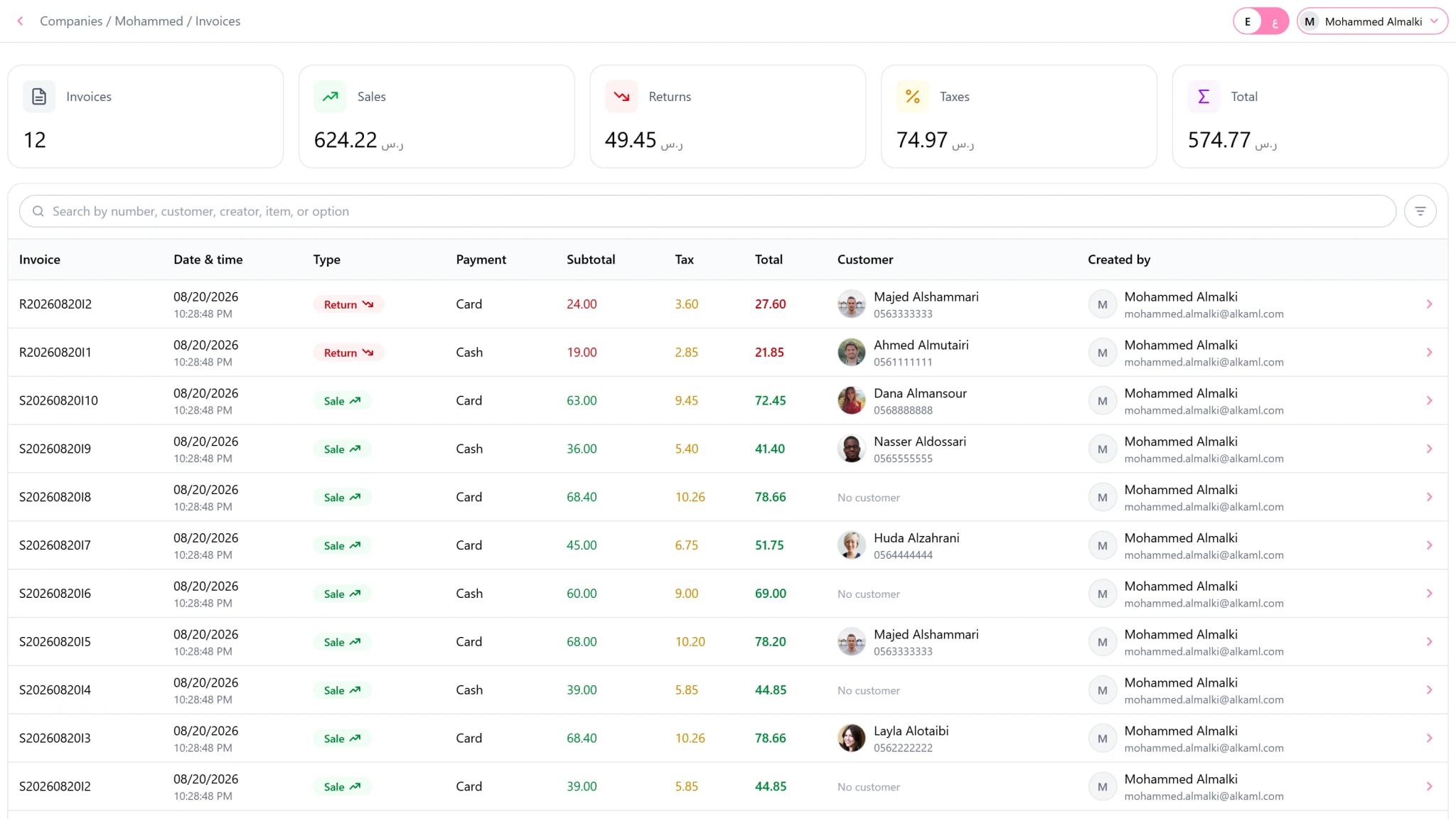
Returns follow the same discipline. You return an invoice line by line, only up to what is left on it, the stock goes back on its own, and the money arithmetic matches the original sale to the cent.
What you can do
Sequential numbers
Each device has its own number and sequence, so numbers never collide even when devices work offline.
Automatic VAT
Tax is computed per line with consistent rounding, before and after discounts.
Totals and filters
Filter by date, customer, or the employee who sold, and see the totals at the top of the list.
Returns by line
Partial or full returns, with the remaining quantity tracked for every line.
Reprint any time
Open any invoice and print it again on any printer, in English or Arabic.
Every device in one view
See the invoices of each device, or all of them together, wherever they were issued.
How it works
Sell from the point of sale and the invoice is created for you.
Find it any time by number, date, or customer.
Reprint it or return what came back.
Questions
Can I edit an invoice after issuing it?
No. An issued invoice is final, as a tax record should be. A correction is made with a return.
Does a return put items back in stock?
Yes, automatically, and the movement appears in the stock ledger linked to the return.